
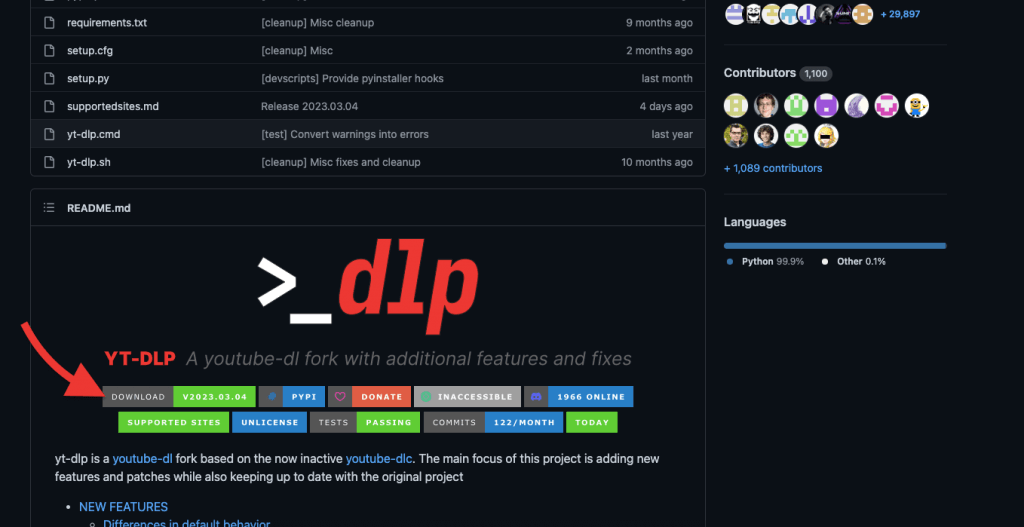
About yt-dlp
yt-dlp is a powerful, feature-rich command-line tool for downloading videos and audio from YouTube and thousands of other websites. A community-maintained fork of the now-inactive youtube-dl project, it brings significant performance improvements, active development, and an extensive list of bug fixes and new features.
With support for hundreds of sites — from Vimeo and Twitch to SoundCloud and beyond — yt-dlp lets you download in your preferred format and quality, extract audio, embed metadata and subtitles, and automate batch downloads via playlists or channel URLs. It’s highly configurable through command-line options or a config file, and integrates well into scripts and media workflows.
Key features include:
- Supports 1000+ sites
- Format selection and quality control (including up to 8K where available)
- SponsorBlock integration to skip or mark sponsored segments
- Cookie and authentication support for members-only or age-restricted content
- Active open-source development on GitHub
Whether you’re archiving content, building a media server, or just saving a video for offline viewing, yt-dlp is the go-to tool for the job. Available via pip, homebrew, or direct download.
About This Front End
A lot of people download the yt-dlp script from Github and run the thing from a terminal – which I found to be a real pain in the buttocks. So, I asssembled this front end. I have zero coding experience and used AI to help me assemble a standard, Windows installer which simply copies the yt-dlp binary and ffmpeg to the appropriate directories on Windows 10 and Winoow 11. Could this be made more attractive, and, include more features? Absolutely. I’m 74 and did this for myself. In the near future I will upload the python file from which all of this was made and anyone can download the thing and tinker. At the moment: This installs easily and works for me. The yt-dlp script when run from a command line offers a lot of features which are not included with this UI. The ‘Smart Filter’ blocks downloading links to things like thumbnails, by the way (which will download and which I don’t want to download).
Download and Install
Not a lot to say, here – just:
- Run the installer
- VERY IMPORTANT – After the install is complete and before trying to download a video you MUST RUN THE UPDATE UTILITY (see video). The developers of yt-dlp play a cat and mouse game with sites like YouTube. YouTube, in particular, keeps an eye on scripts like yt-dlp and periodically makes changes to it’s site to thwart these sorts of downloads. The binary must periodically be updated via the update utility on the UI – and this installer contains a dated yt-dlp bundle. If you see problems downloading, in the future, always try updating via the UI and – most likely – things will start working again.
- > DOWNLOAD THE INSTALLER <<